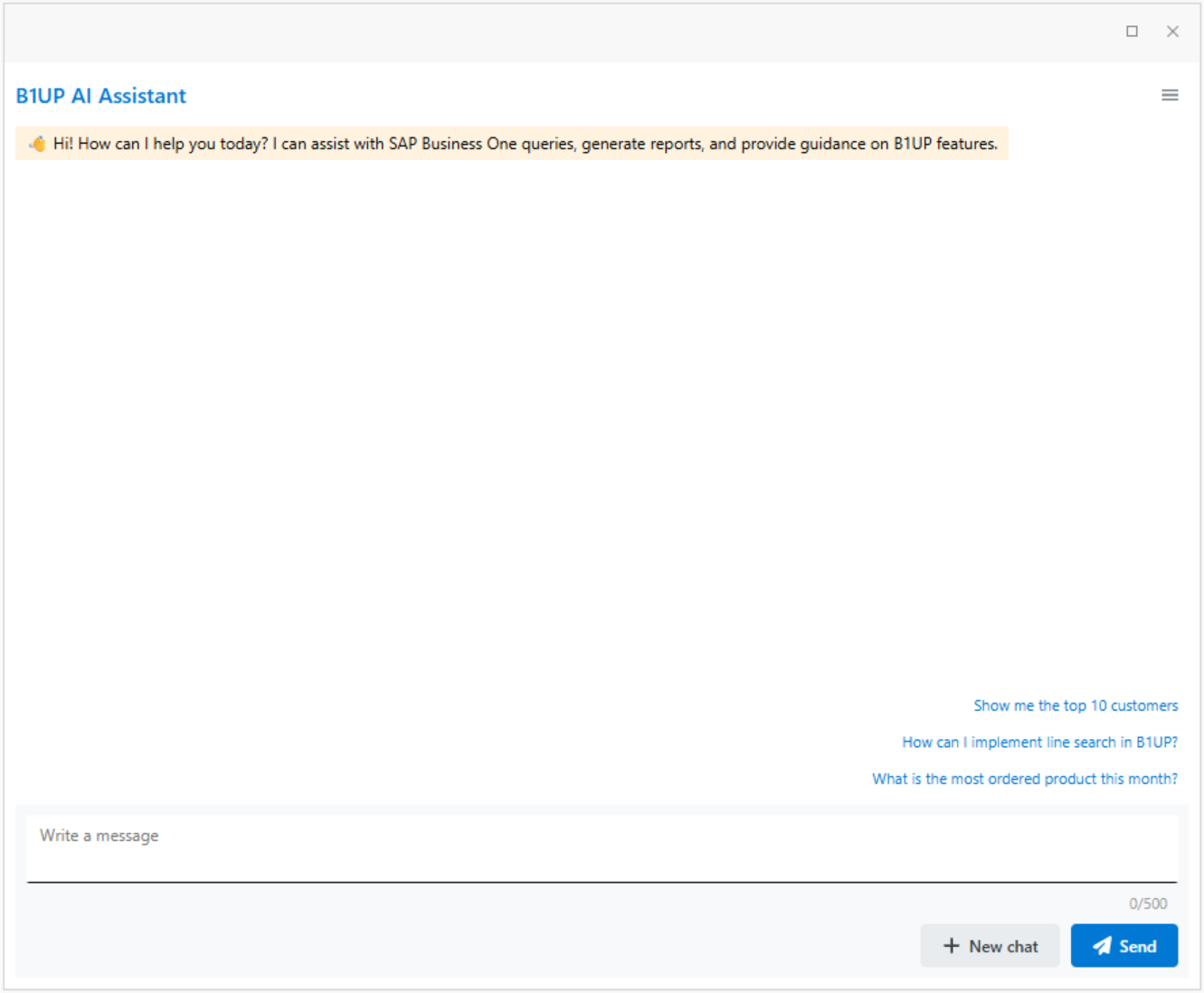
The B1 AI Assistant is a dashboard widget that allows you to interact with your SAP Business One data using natural language. You can ask questions about your business data, get help with B1UP features, or have general conversations.
Installation and usage
You can start the B1UP AI Assistant to a separate window from the menu Administration - Add ons - B1 Usability Package - Module configuration - B1UP AI Assistant - Open AI Assistant.
Tip: You can add the "Open AI Assistant" menu option to Common Functions -widget, or use Activate(BOY_AI_OPEN); in a macro and attach it to function button / add and edit menus -configuration for easy access.
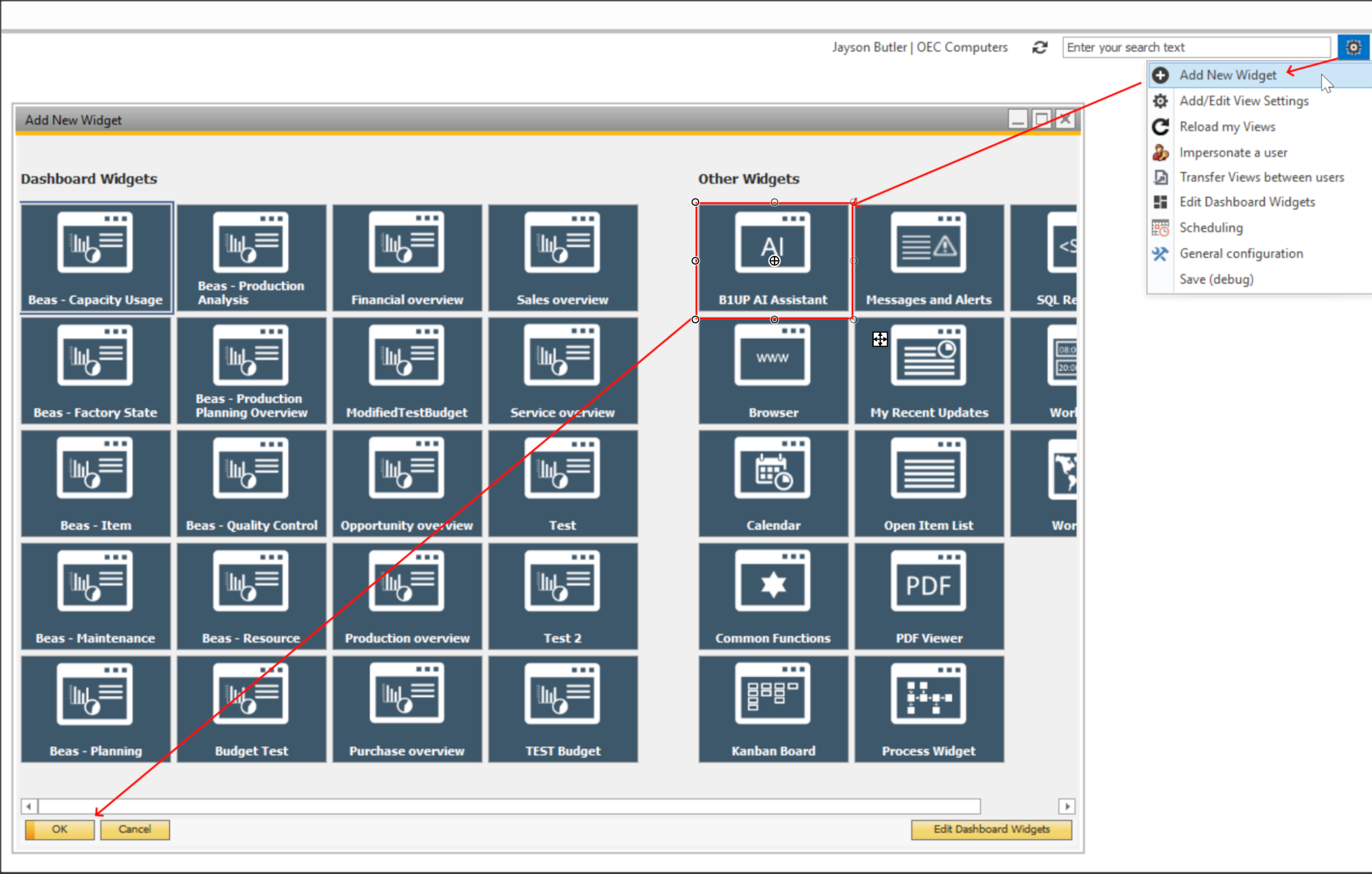
You can also add the B1UP AI Assistant to your dashboard view like any other dashboard widget from the widget menu:
Query Types
The AI Assistant supports three types of queries:
Data Queries Ask questions about your business data in plain language. For example, you can ask "Show me all invoices from this month". The AI will generate a SQL query, run it against your database, and display the results in an interactive table.
Manual Queries Get help with B1UP features and functionality. You can ask questions like "How do I configure validation rules in B1UP?" or "How do I activate line search in B1UP?" The AI will search the B1UP manual and provide relevant answers with references to the documentation.
Conversation Have general conversations or ask follow up questions about previous results. The AI remembers the context of your conversation, so you can refine your queries or ask for clarification without repeating yourself. |
|---|
How to Use
To use the AI Assistant:
1. Type your question in the text field at the bottom of the widget.
2. Press Enter or click the "Send" button.
3. Wait for the AI to process your request and display the results.
The AI will automatically determine whether your question is about data, the B1UP manual, or a general conversation, and respond accordingly.
Important Information
The AI Assistant generates responses based on your questions and database content. You should always verify important business decisions with your actual SAP Business One data. The AI may occasionally misinterpret questions or generate incorrect results, so treat the output as a starting point rather than absolute truth.